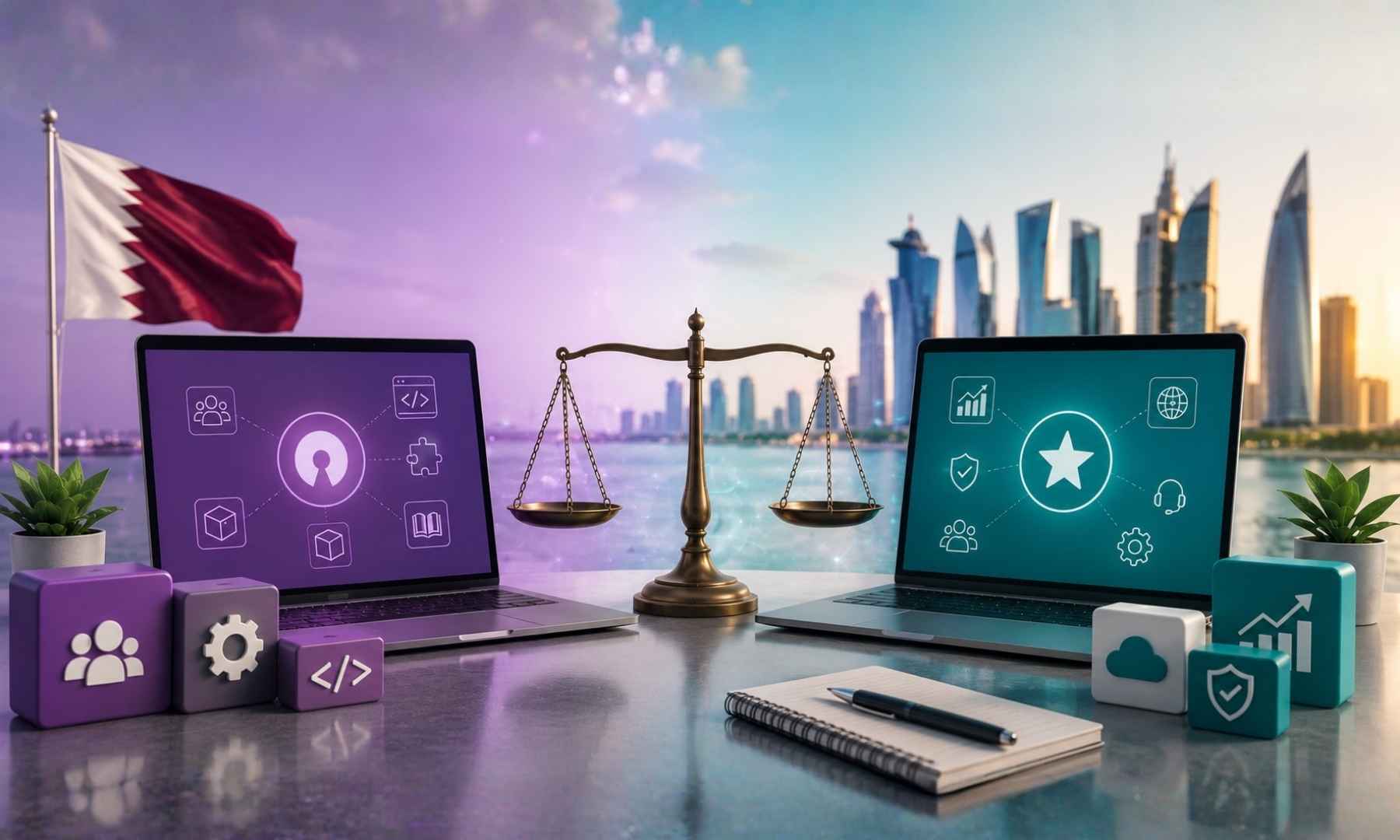
ERP vs CRM: Why Does the Difference Matter?
Businesses today rely on software to manage everything from customer relationships and sales to accounting, inventory, purchasing, and employee operations.
Two of the most commonly discussed business software solutions are ERP and CRM.
But what is the difference between them?
More importantly, does your business need an ERP, a CRM, or both?
The simple answer is:
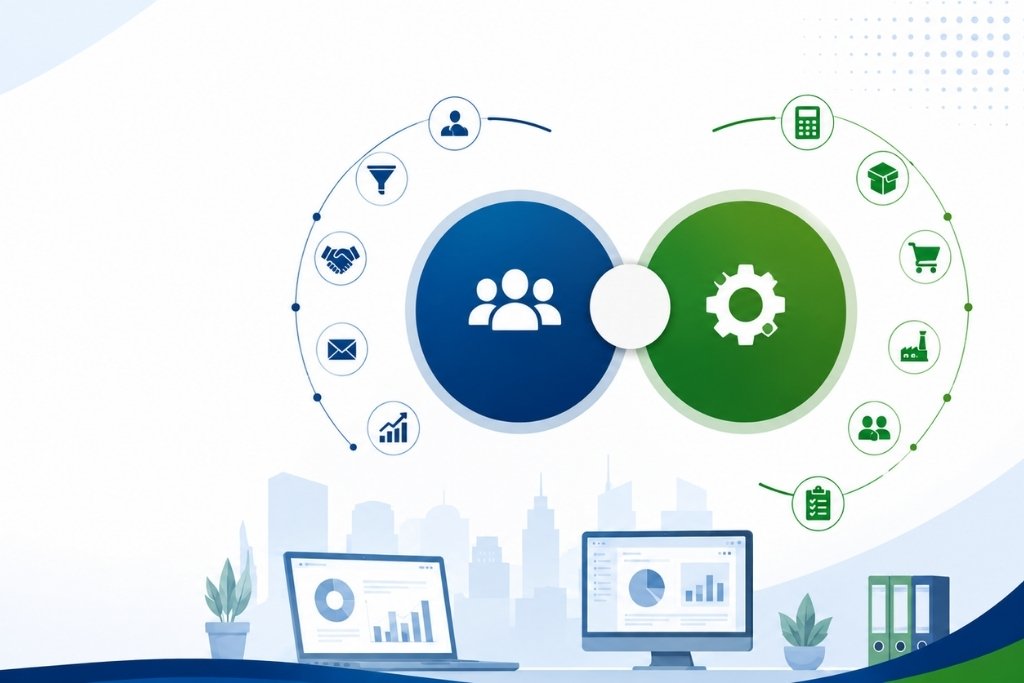
CRM focuses primarily on managing customers, leads, opportunities, and sales relationships. ERP manages broader business operations such as accounting, inventory, purchasing, sales, projects, HR, and more.
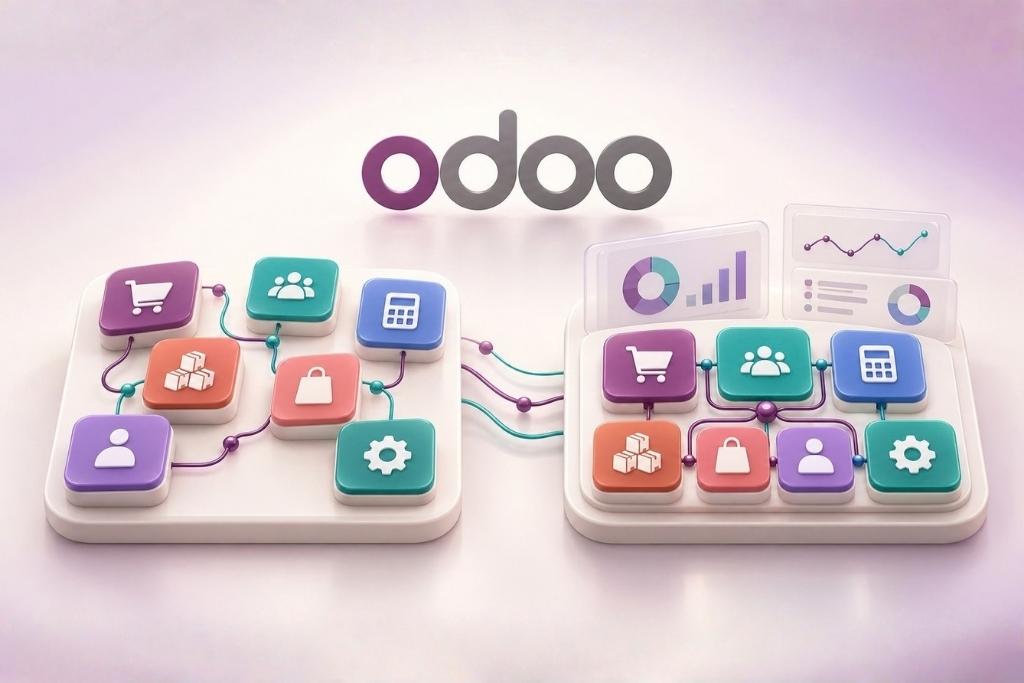
Modern ERP platforms can also include CRM functionality, allowing businesses to manage customer relationships and back-office operations from one connected system. Odoo, for example, combines CRM with applications for accounting, inventory, purchasing, projects, HR, manufacturing, and other business functions.
Let’s break down the difference.
What Is CRM Software?
CRM stands for Customer Relationship Management.
CRM software is designed primarily to help businesses manage their interactions with existing and potential customers.
A CRM typically helps businesses manage:
-
Leads
-
Prospects
-
Opportunities
-
Customer information
-
Sales pipelines
-
Follow-ups
-
Meetings
-
Emails
-
Sales activities
-
Sales forecasting
For example, imagine a company receives 100 enquiries every month.
Without a CRM, sales representatives might track those enquiries using spreadsheets, emails, WhatsApp messages, or separate notes.
A CRM centralizes those leads and allows the sales team to track each opportunity through the sales process.
What Is ERP Software?
ERP stands for Enterprise Resource Planning.
ERP software is designed to connect multiple areas of a business through one centralized system.
An ERP can manage:
-
Sales
-
CRM
-
Accounting
-
Purchase
-
Inventory
-
Manufacturing
-
Human Resources
-
Payroll
-
Projects
-
Field Service
-
Helpdesk
-
Point of Sale
-
E-commerce
Instead of having separate systems for every department, an ERP connects business processes and data in one platform.
This gives management a broader view of what is happening across the organization.
ERP vs CRM: The Main Difference
The easiest way to understand the difference is to think about their primary purpose.
CRM = Customer and Sales Management
ERP = Overall Business Management
A CRM helps answer:
“Which leads are we following up with, and which customers are likely to buy?”
An ERP helps answer:
“What is happening across sales, inventory, purchasing, accounting, operations, and other departments?”
An ERP can therefore include CRM capabilities while extending beyond customer relationship management.
How Does a CRM Help a Business?
A CRM is particularly useful for businesses where sales and customer relationships are the primary focus.
For example, a sales team can use CRM software to:
Capture Leads
Collect leads from websites, emails, forms, campaigns, and other sources.
Track Opportunities
Move prospects through stages such as:
New Lead → Qualified → Proposal → Negotiation → Won/Lost
Manage Follow-ups
Salespeople can schedule calls, meetings, emails, and other activities.
Monitor Sales Performance
Managers can monitor:
-
Pipeline value
-
Expected revenue
-
Conversion rates
-
Sales activities
-
Lost opportunities
Modern CRM systems can also provide forecasting and pipeline analysis. Odoo CRM, for example, supports opportunity management, pipeline analysis, expected revenue reporting, forecasting, lead assignment, and sales activities.
How Does an ERP Help a Business?
ERP software goes beyond customer and sales management.
Consider what happens after a customer accepts a quotation.
A connected ERP can allow the business to move from:
Lead → Opportunity → Quotation → Sales Order → Delivery → Invoice → Payment
The information flows between departments rather than being manually entered into different systems.
For example:
-
Sales creates the quotation.
-
The customer confirms the order.
-
Inventory receives the required stock information.
-
The warehouse processes the delivery.
-
Accounting generates the invoice.
-
Management can monitor the transaction.
This connected approach is one of the major advantages of integrated ERP systems.
When Should You Choose CRM?
A CRM may be enough if your primary requirement is managing customers and sales.
Consider CRM if your business mainly needs:
-
Lead management
-
Sales pipeline management
-
Customer databases
-
Sales follow-ups
-
Email tracking
-
Opportunity management
-
Sales forecasting
For example, a small consulting company with a few employees and limited operational requirements may benefit significantly from a CRM without needing a full ERP system.
When Should You Choose ERP?
ERP becomes more relevant when multiple departments need to work together.
Consider ERP if your business needs to manage:
-
Sales
-
Purchasing
-
Inventory
-
Accounting
-
CRM
-
HR
-
Manufacturing
-
Projects
-
Field operations
-
Multiple branches
-
Multiple companies
If your employees are entering the same information into multiple systems, an integrated ERP may help eliminate unnecessary duplication.
Do You Need Both ERP and CRM?
This is where the answer becomes more interesting.
You may not need two separate systems.
Many modern ERP platforms include CRM functionality as part of the wider business-management platform.
Odoo is an example. Its suite includes CRM alongside accounting, sales, inventory, purchase, manufacturing, project management, HR, website, e-commerce, and other applications.
This means a business can manage its customer relationships while also connecting those activities with other operational processes.
ERP + CRM: A Real Business Example
Imagine a trading company in Qatar receives a new enquiry through its website.
Step 1: Lead
The enquiry enters the CRM.
Step 2: Qualification
A salesperson contacts the prospect and identifies the requirement.
Step 3: Quotation
The salesperson creates a quotation.
Step 4: Sales Order
The customer confirms the order.
Step 5: Inventory
The warehouse checks available stock.
Step 6: Purchase
If stock is insufficient, a purchase process can be initiated.
Step 7: Delivery
The warehouse processes the delivery.
Step 8: Accounting
The customer is invoiced.
Step 9: Payment
The payment is recorded.
Step 10: Customer Relationship
The sales team continues managing the customer through CRM.
Instead of managing these activities across disconnected spreadsheets and applications, an integrated ERP can connect them.
ERP vs CRM for Small Businesses
A small business does not automatically need a full ERP.
The right choice depends on the complexity of the business.
Choose CRM if:
Your biggest challenge is managing leads and sales.
Consider ERP if:
Your business is already dealing with:
-
Inventory
-
Purchasing
-
Accounting
-
Multiple departments
-
Multiple branches
-
Complex workflows
-
Large transaction volumes
The goal is not to buy the biggest software package.
The goal is to choose a system that solves your actual business problems.
ERP vs CRM for Growing Businesses
As businesses grow, disconnected systems can become increasingly difficult to manage.
For example:
The sales team may use a CRM.
The accounts team may use separate accounting software.
The warehouse may use Excel.
The HR department may use another application.
Management then has to collect information from multiple systems to understand overall business performance.
This creates data silos.
An integrated ERP can reduce these silos by bringing different business functions together.
What Happens When ERP and CRM Are Disconnected?
Using separate systems isn’t necessarily wrong.
However, businesses may encounter challenges such as:
-
Duplicate customer data
-
Manual data entry
-
Synchronization issues
-
Different versions of information
-
Reporting difficulties
-
Additional software costs
-
More integrations to maintain
For example, if a customer updates their address in the CRM but the accounting system still contains the old address, employees may need to manually update both systems.
An integrated system can reduce this type of duplication.
Odoo: ERP and CRM in One Platform
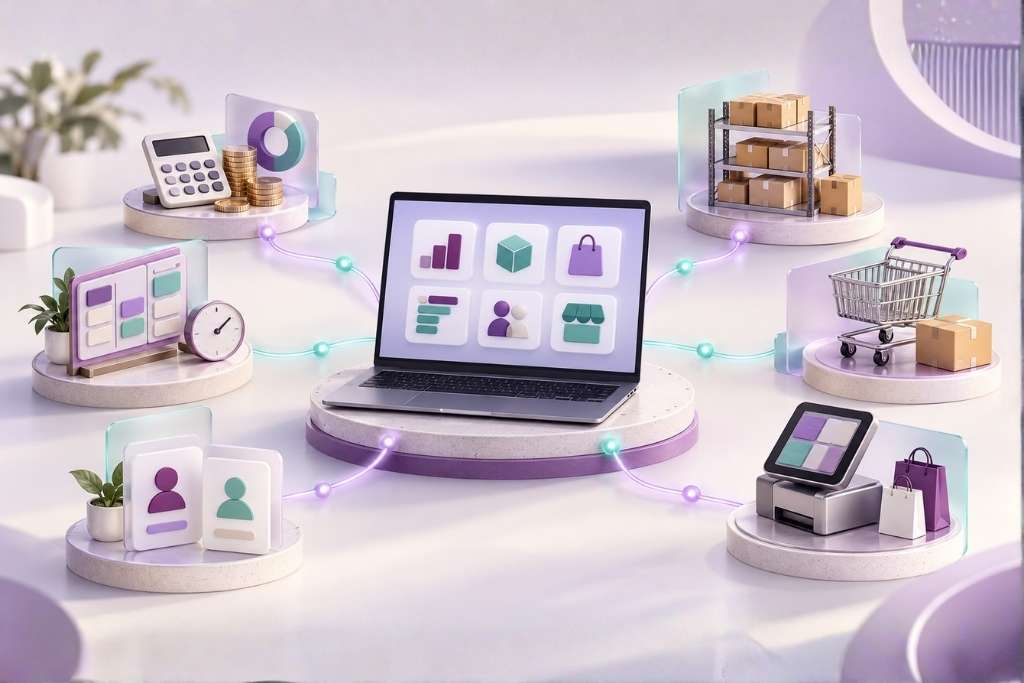
Odoo takes an integrated approach by offering CRM alongside a broad range of business applications.
Its platform includes applications covering areas such as:
-
CRM
-
Sales
-
Accounting
-
Purchase
-
Inventory
-
Manufacturing
-
Project Management
-
Human Resources
-
Field Service
-
Helpdesk
-
Website
-
E-commerce
Odoo describes its platform as a collection of connected business applications designed to centralize company information and workflows.
This can be particularly useful for businesses that want to start with a few applications and expand their system as their requirements grow.
ERP or CRM: Which One Is Right for You?
Ask yourself these questions:
1. Is our biggest challenge sales and customer management?
If yes, CRM may be the right starting point.
2. Do we need to manage inventory?
If yes, consider ERP.
3. Do sales, purchasing, inventory, and accounting need to share information?
ERP is likely more suitable.
4. Are employees entering the same information multiple times?
An integrated ERP may help reduce duplication.
5. Are we planning to expand?
Choose a system that can scale with your business.
6. Do we need both sales management and operational management?
An integrated ERP with CRM capabilities may be a better fit than maintaining separate systems.
Common Mistakes When Choosing Between ERP and CRM
Choosing Based Only on Price
The cheapest software isn’t necessarily the most cost-effective solution.
Consider implementation, training, customization, integrations, and ongoing support.
Choosing Too Many Features
More features don’t automatically mean better software.
Choose functionality that solves real business problems.
Ignoring Integration
If you choose separate CRM and ERP systems, make sure they can communicate reliably.
Not Involving Employees
The people who will actually use the system should be involved in the evaluation process.
Focusing Only on Today’s Requirements
Your software should support your expected business growth.
Final Verdict: ERP or CRM?
There is no universal answer.
If your primary challenge is managing leads, customers, opportunities, and sales, a CRM may be sufficient.
If your business needs to manage sales, accounting, inventory, purchasing, HR, projects, manufacturing, and other operations, an ERP is generally more appropriate.
And if you want customer management and business operations connected in one platform, an integrated ERP with built-in CRM can be a strong option.
For businesses considering Odoo, its modular approach allows CRM and other business applications to work together within the same ecosystem.