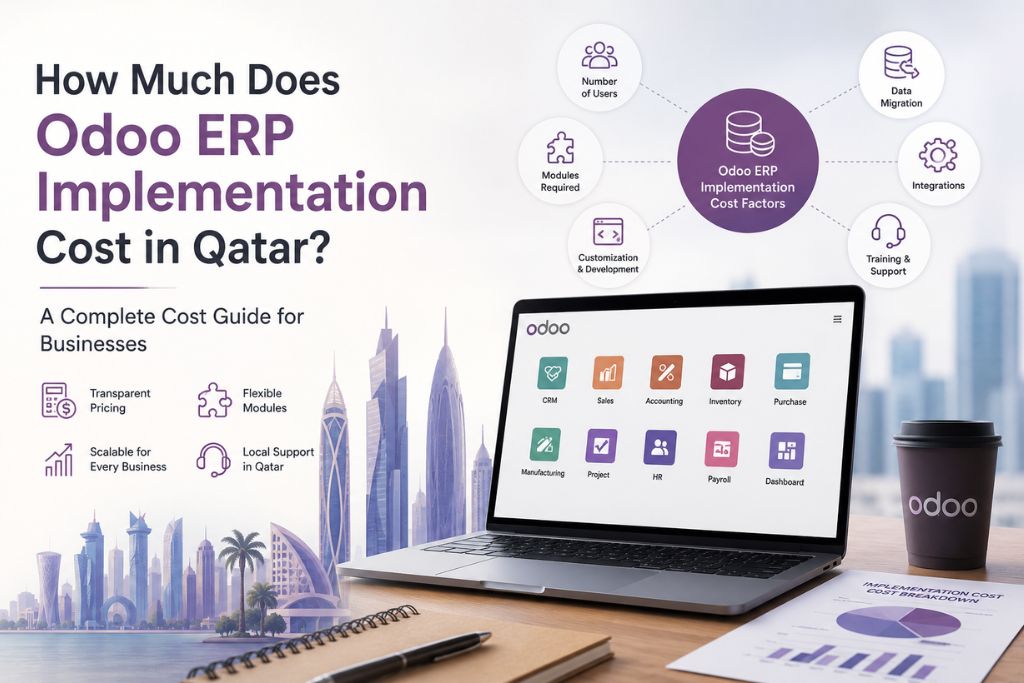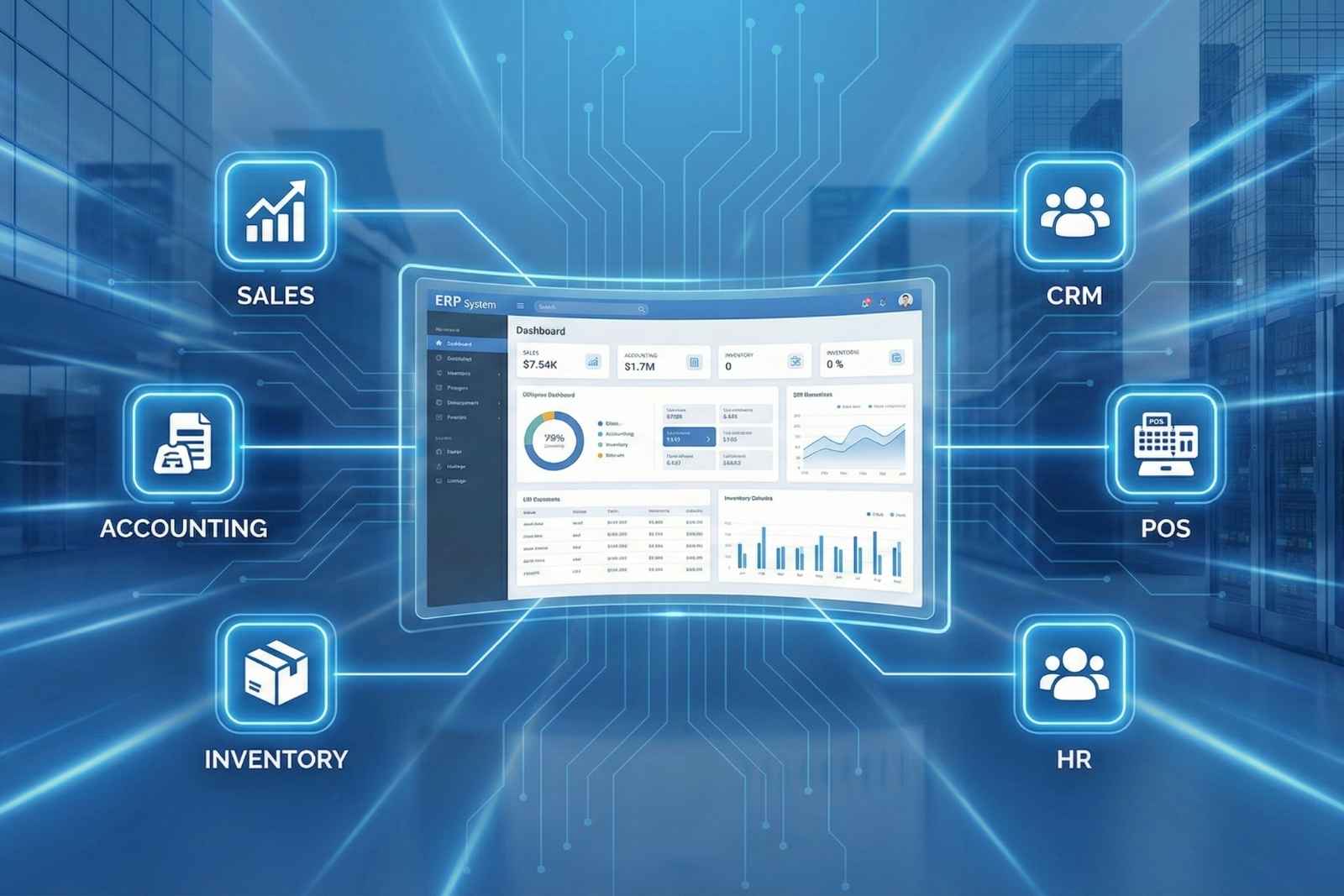
Choosing an ERP system is one of the most important technology decisions a business can make.
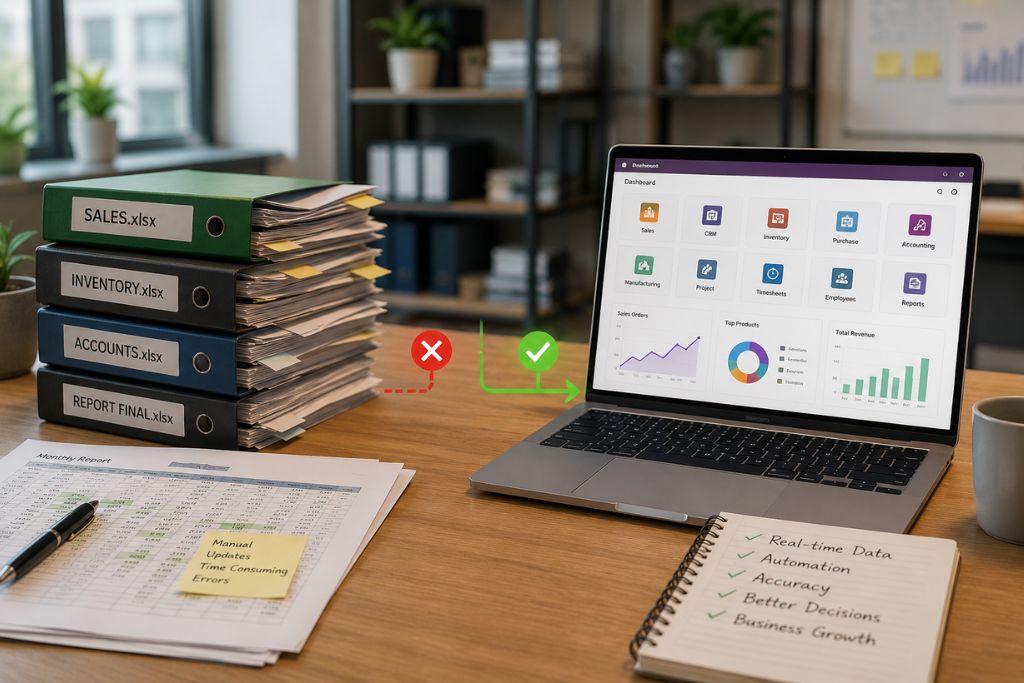
The right ERP software can improve productivity, automate manual processes, increase profitability, and provide real-time insights into your business. The wrong ERP system, however, can lead to delays, increased costs, frustrated employees, and poor adoption.
With hundreds of ERP solutions available today, finding the right one can feel overwhelming.
This guide explains everything you need to know before choosing an ERP solution, helping you make a confident and informed decision.
What is ERP Software?
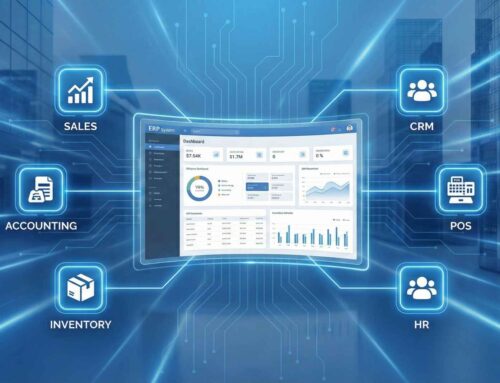
ERP (Enterprise Resource Planning) software is a centralized business management system that integrates multiple departments into one platform.
Instead of using different software for accounting, inventory, sales, HR, and customer management, an ERP system allows every department to work from the same database.
A typical ERP solution includes modules such as:
- CRM
- Sales
- Purchase
- Inventory
- Accounting
- Human Resources
- Payroll
- Manufacturing
- Project Management
- Helpdesk
- Field Service
- Website & eCommerce
This eliminates duplicate data, improves collaboration, and provides better visibility across the business.
Why Choosing the Right ERP Matters
An ERP system is a long-term investment.
Most businesses use the same ERP for many years, so choosing the right solution from the beginning can save time, money, and future migration costs.
A well-implemented ERP helps businesses:
- Improve operational efficiency
- Reduce manual work
- Increase productivity
- Eliminate duplicate data
- Improve customer service
- Make faster decisions
- Automate workflows
- Scale with business growth
Step 1: Understand Your Business Requirements
Before comparing ERP vendors, understand your own business.
Ask questions such as:
- What problems are we trying to solve?
- Which departments need ERP?
- Which processes are still manual?
- What causes delays?
- What reports do management require?
- Which tasks are repeated daily?
The clearer your requirements, the easier it becomes to select the right ERP.
Step 2: Identify the Features You Need
Not every business requires every ERP module.
For example:
A trading company may require:
- Sales
- Purchase
- Inventory
- CRM
- Accounting
A manufacturing company may additionally require:
- Manufacturing
- Quality
- Maintenance
- Planning
A service company may focus on:
- Projects
- Timesheets
- Helpdesk
- Field Service
Create a list of “Must Have” and “Nice to Have” features before evaluating ERP solutions.
Step 3: Choose Software That Can Grow With Your Business
Your ERP should support your business not only today but also in the future.
Consider questions like:
- Can it support multiple branches?
- Can new users be added easily?
- Can additional modules be enabled later?
- Does it support multiple companies?
- Can it handle business growth over the next five years?
Scalable ERP software reduces the need for costly system replacements as your business expands.
Step 4: Evaluate Ease of Use
Even the most powerful ERP system can fail if employees find it difficult to use.
Look for software with:
- Clean interface
- Easy navigation
- Mobile accessibility
- Minimal training requirements
- Simple dashboards
Request a live demonstration before making a decision.
Let employees from different departments test the software.
Step 5: Check Integration Capabilities
Modern businesses use many applications.
Your ERP should integrate with systems such as:
- Website
- Payment gateways
- Banking systems
- POS
- HR software
- Email platforms
- E-commerce platforms
- Barcode systems
Strong integration capabilities reduce duplicate work and improve efficiency.
Step 6: Consider Customization
Every business has unique workflows.
Choose ERP software that allows:
- Custom fields
- Approval workflows
- Reports
- Dashboards
- User permissions
- Forms
- Automation
However, avoid excessive customization unless necessary.
Using standard features whenever possible makes upgrades easier and reduces long-term maintenance costs.
Step 7: Compare Total Cost of Ownership
Don’t focus only on the software price.
Consider:
- Software licensing
- Implementation
- Customization
- Data migration
- Training
- Annual support
- Future upgrades
- Hosting
The cheapest ERP solution may become the most expensive if it requires constant customization or lacks proper support.
Step 8: Evaluate the Implementation Partner
Choosing the ERP software is only half the decision.
The implementation partner plays an equally important role.
Look for a partner that offers:
- Industry experience
- Certified consultants
- Local support
- Training
- Data migration expertise
- Post-implementation support
- Transparent pricing
- Strong client references
A knowledgeable partner can significantly improve the success of your ERP project.
Step 9: Think About Future Technologies
Modern ERP software should support evolving technologies.
Look for features such as:
- AI-powered insights
- Business intelligence dashboards
- Mobile applications
- API integrations
- Workflow automation
- Cloud deployment
These capabilities help ensure your ERP remains relevant as your business grows.
Common Mistakes to Avoid
Many ERP projects encounter challenges due to avoidable mistakes.
Avoid:
- Choosing software based only on price
- Ignoring employee feedback
- Underestimating training needs
- Skipping requirement analysis
- Over-customizing the system
- Not planning for future growth
- Selecting an inexperienced implementation partner
Taking the time to evaluate these areas can reduce project risks.
Questions to Ask Before Choosing an ERP
Before making a final decision, ask the vendor or implementation partner:
- Which industries do you specialize in?
- What modules are included?
- How long will implementation take?
- What support is provided after go-live?
- How are upgrades managed?
- Can the system integrate with our existing software?
- How is user training delivered?
- What customization options are available?
- What additional costs should we expect?
- Can you provide customer references?
Why Businesses Choose Odoo ERP
Among the many ERP solutions available today, Odoo has become a popular choice for businesses of all sizes because it combines flexibility, affordability, and scalability.
Odoo offers:
- Integrated business applications
- User-friendly interface
- Modular implementation
- Cloud and on-premise deployment
- Extensive customization options
- Strong reporting capabilities
- Mobile accessibility
- Large ecosystem of applications
- Suitable for startups, SMEs, and enterprises
Businesses can start with only the modules they need and expand the system as they grow.
Final Thoughts
Choosing the right ERP software is about finding a solution that aligns with your business goals, supports your workflows, and can grow alongside your organization.
Take time to understand your requirements, evaluate vendors carefully, involve key stakeholders, and choose an experienced implementation partner.
A well-planned ERP investment can improve efficiency, reduce costs, and provide the visibility needed to make better business decisions.
If you’re exploring ERP solutions for your business in Qatar, Sygmetiv Business Solutions can help you assess your requirements, recommend the right modules, and implement an ERP system tailored to your operations.